Furbo 360° Dog Camera: A Plain Guide Before You Pick a Listing
Reader-supported — if you buy through our links we may earn a commission, at no extra cost to you. As an Amazon Associate I earn from qualifying purchases. Details
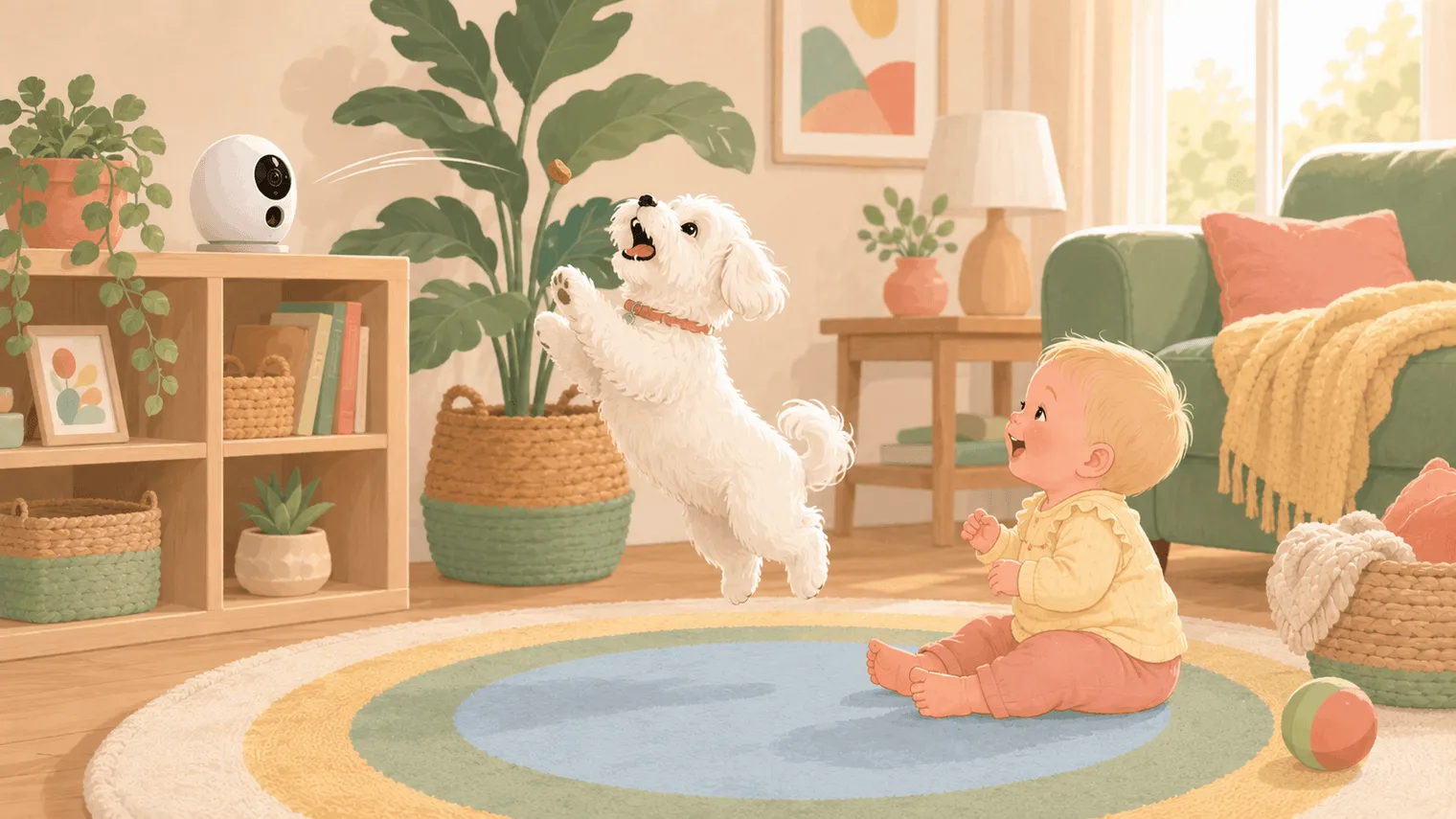
The Furbo 360° is a treat-tossing dog camera built around one trick most cameras can’t do: a full 360° pan that automatically follows your dog around the room. For a dog-and-baby home, it’s aimed at the parent who wants to reward calm behavior and check on the dog without standing up — but the hardware is only half the product, and Amazon currently sells it two different ways. Pick the wrong listing and the camera you unbox is a worse deal than the identical one next to it.
We haven’t tested this ourselves — this guide is built from the spec sheet, Furbo’s published pricing, and the very consistent patterns across several hundred owner reviews. Where owners and the spec sheet disagree, we say so.
The two-listings trap
This is the single most useful thing this guide can tell you. On Amazon, Furbo sells the 360° as a classic listing marked “No Subscription Required” — where live view, two-way audio, and treat tossing work without a paid plan — and as a “Subscription Required” version, where a paid plan (with a three-month minimum) is part of the deal from day one. Same camera. Different fine print.
Our link below points at the classic listing. If you arrive at a Furbo product page some other way, look for the subscription language before you click buy. Future-you, three months in, will be grateful.
Why a dog camera earns its spot in a baby household
The first months with a newborn are precisely when your dog’s life gets worse: shorter walks, scarcer attention, and long stretches locked out of whatever room the baby is sleeping in. A camera with two-way talk and a treat cannon isn’t surveillance — it’s a way to reward calm behavior and check on the dog without standing up, which matters enormously when standing up risks waking someone who took forty minutes to fall asleep.

What owners consistently like
The rotation is the reason most owners buy it. A full 360° pan with automatic dog tracking solves the classic fixed-camera problem: a dog who naps exactly one foot outside the frame. For open-plan living rooms, owners describe this as the difference between a dog camera and a wall camera.
The treat toss has real training value. Catching a treat that flies out of the bookshelf is, by many owner accounts, a clear highlight of the dog’s day. Used deliberately — rewarding quiet during the baby’s feeding time, for instance — owners treat it as an actual behavior tool, not a party trick.
Night vision in color. At 2 a.m., “is the dog okay” is a body-language question, and owners report the Furbo’s night image is clear enough to tell pacing-and-stressed from sprawled-and-snoring.
Things to know before you buy
The subscription is where the AI smarts live. Without Furbo Nanny, the camera sees, talks, tosses, and still pings you when the dog barks — which is genuinely useful. What you don’t get, per the spec sheet, are the smarter alerts: activity alerts, person detection, emergency-sound detection, and video history all sit behind the plan. Decide before you buy whether barking alerts and live view are enough, or whether you’re an everything-alerts family, and do the math with the subscription included.
The toss is loud. Owners consistently describe a sharp pop when it fires. Fine in a living room at noon. Less fine two feet from a contact nap. There’s no quiet mode; there is strategic timing.
Wi-Fi setup is the most common one-star story. The most consistent complaint across owner reviews is pairing: it wants a 2.4 GHz network, and mesh systems can confuse the setup step. Owners report it’s usually solvable in a few minutes by splitting your network bands — just know before the gift wrap comes off.
Put plainly
If your dog is alone more since the baby arrived, you’ll actually use treat-based training, and the subscription math doesn’t offend you, owners in that situation are glad they bought it — nothing else in the category does the rotate-track-toss combination this well.
If you mainly want to glance at a sleeping dog a few times a day, this probably isn’t the one. An inexpensive fixed camera (often around $35) does that job remarkably well — we compared the two directly in Furbo vs. Wyze.
So: buy the classic listing, budget for the subscription if you want the alerts, and aim the treat toss away from the nursery.
At a glance
Furbo 360° Dog Camera
What stands out
- 360° rotation with auto-tracking that owners say actually follows the dog instead of filming an empty rug
- Treat toss owners call reliable with round, pea-size treats — used deliberately, it has real training value
- Color night vision that owners report is sharp enough to read body language in the dark
Things to know
- Activity, person, and emergency-sound alerts plus video history sit behind the Furbo Nanny subscription, per the spec sheet — though barking alerts, live view, two-way talk, and treat tossing stay free
- Owners consistently describe the treat toss as a sharp pop — something to plan around during contact naps
Questions families actually ask
Does the Furbo 360° work without a subscription?
The classic listing does — live view, two-way talk, treat tossing, and barking alerts all work subscription-free. What you give up are the AI smart alerts (activity, person detection, emergency sounds) and video history, which need Furbo Nanny. Make sure you buy the listing marked “no subscription needed,” because Amazon also sells a bundle version that requires a paid plan for those smart features.
How much does Furbo Nanny cost?
Around $6.99 a month on the yearly plan, per Furbo's listed pricing at the time of writing (Furbo has announced plan changes rolling out through 2026, so check the current rate before you buy). The month-to-month route costs more — commonly cited as an activation fee plus about $9.99/month after a three-month minimum — so if you're going to subscribe at all, the yearly plan is usually the better value.
What treats fit the Furbo treat toss?
[Furbo recommends](https://furbo.com/blog/en/article/best-treats-to-use-with-furbo) round, dry, firm treats roughly half an inch to an inch across — think small training treats. Owners who load odd shapes or soft treats report jams, and clearing a jam means walking over to the camera, which defeats the entire point.
Can I use the Furbo as a baby monitor too?
It's not built for that. It's designed, marketed, and supported as a pet camera, and your baby monitor should be its own device — we wrote a whole piece on why combining them goes wrong.